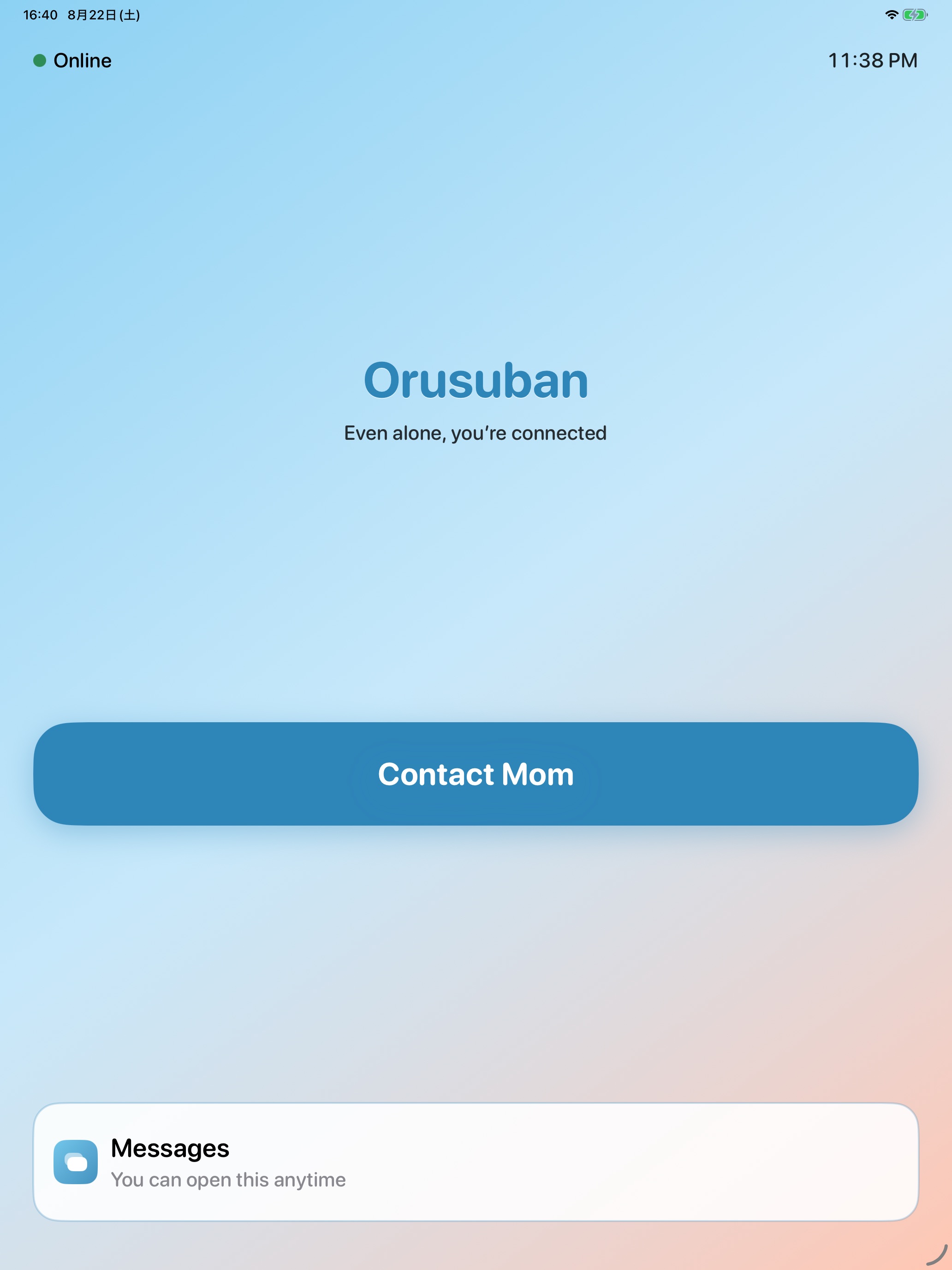
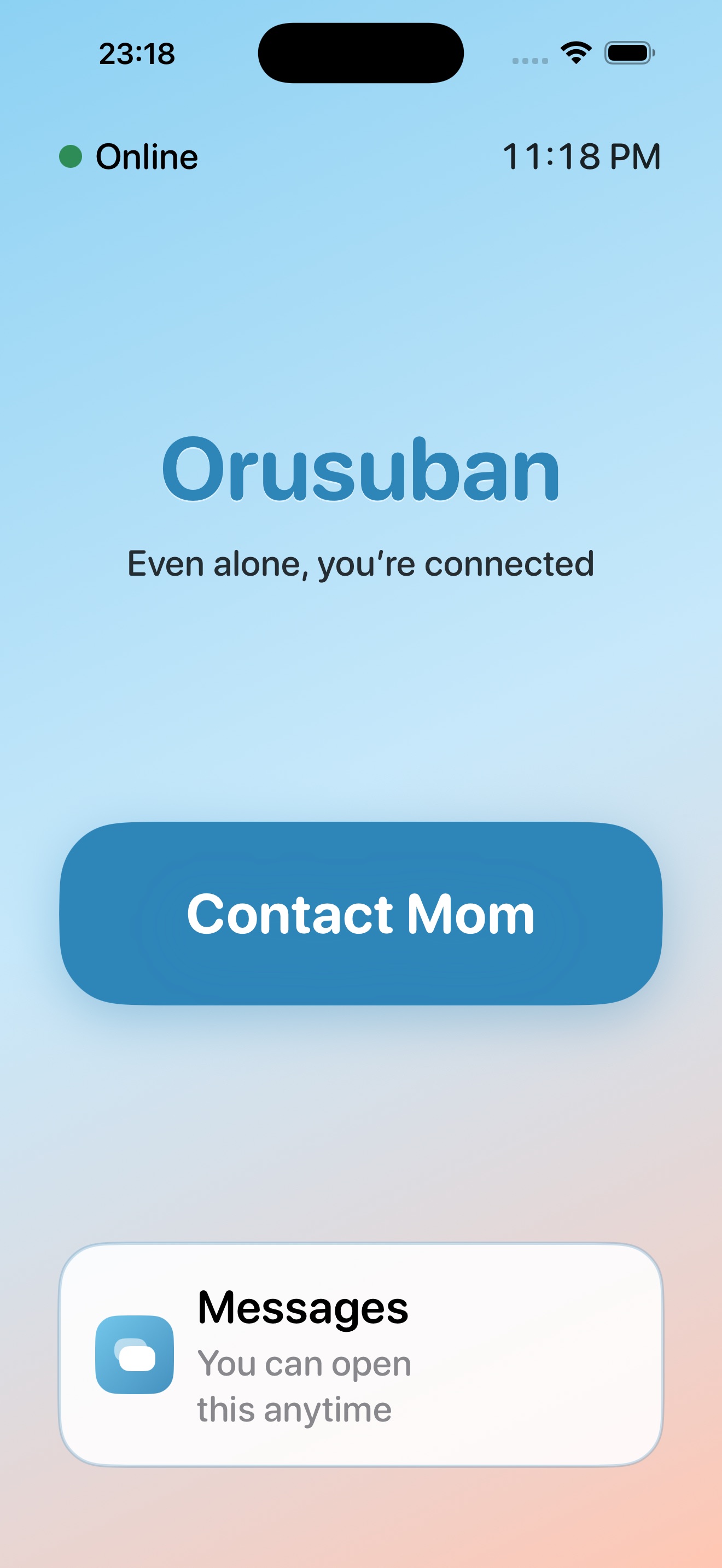
Big buttons, no guessing
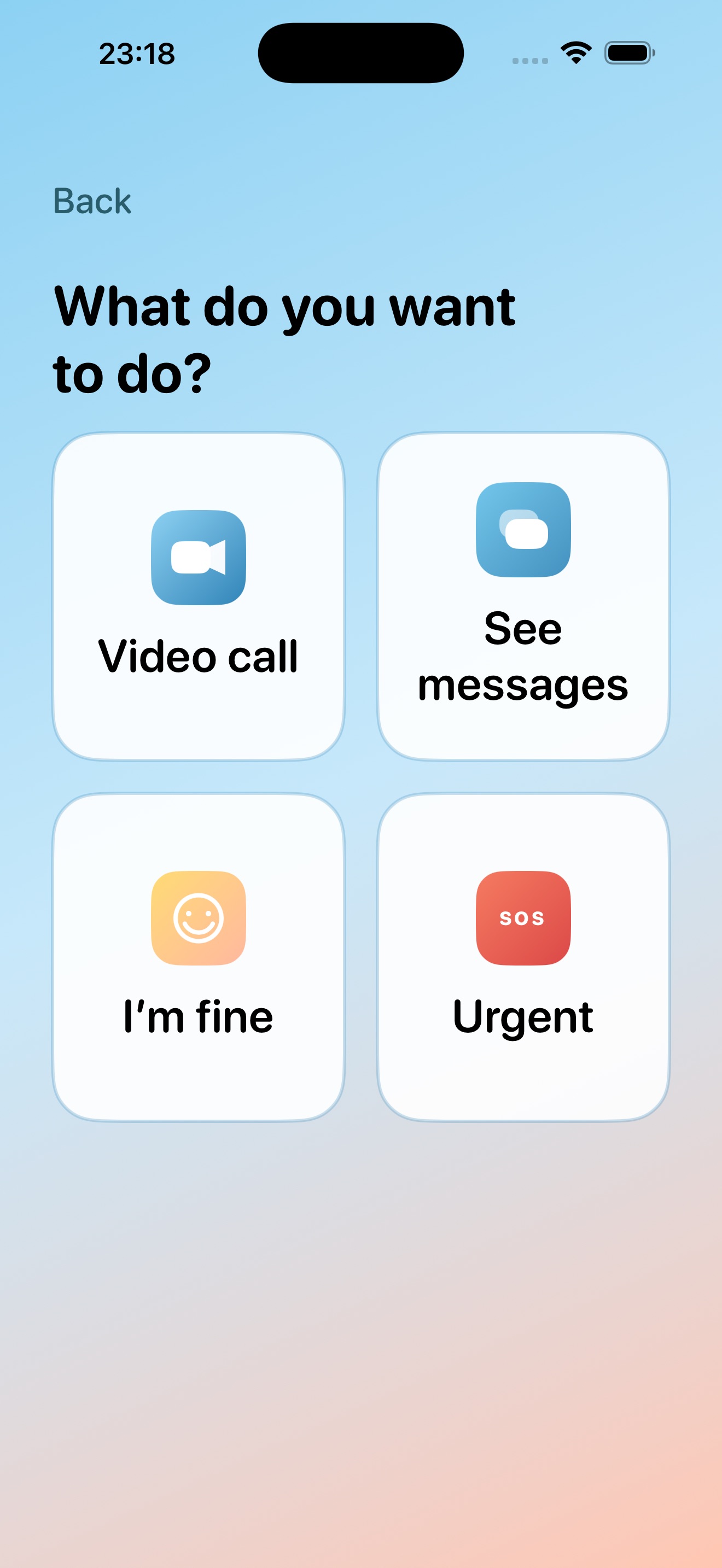
The child UI stays simple. From “Contact Mom,” kids can video call, open messages, or send an urgent alert—same experience on iPhone and iPad.
Home alone moments, one big button away.
For after-school and short latchkey windows. Canned “I’m fine,” urgent SOS to a parent, video when it matters. No location tracking. iPhone and iPad only.
Connection, not surveillance. If you mainly need school-run location or friends chat, this isn’t the right tool.
Early elementary, dual-income. You have a spare iPad. You don’t want Apple ID and dialer setup to become a project.
You care about “what they need to say,” not a live map. Kids shouldn’t feel tracked at home.
Friends lists and stickers can wait. You want one channel to a caregiver.
Use the iPhone or iPad you already own. Parent-only monthly subscription.
After school, short gaps before activities, or “in the next room” while you work from home.
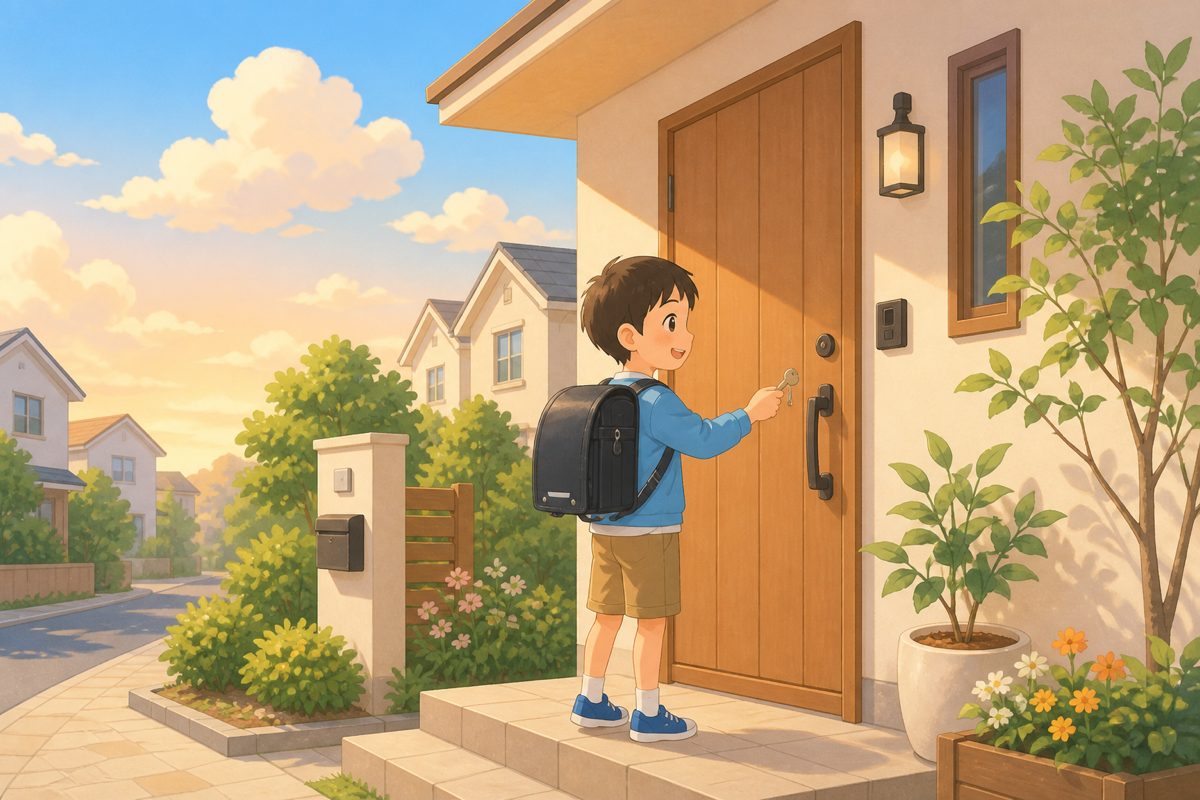
Keys in the door, house quiet. One large button reaches a caregiver right away.
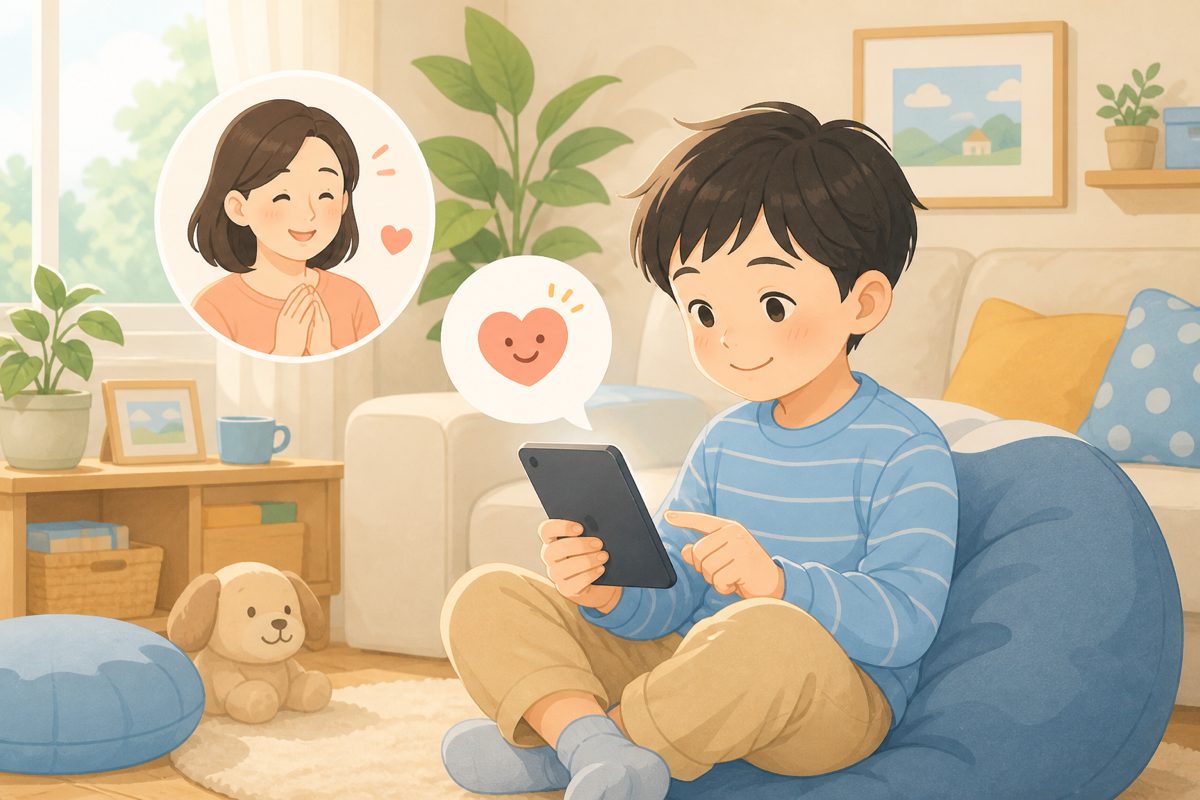
Quick presets like “I’m fine” or “I ate” let them share how they’re doing.
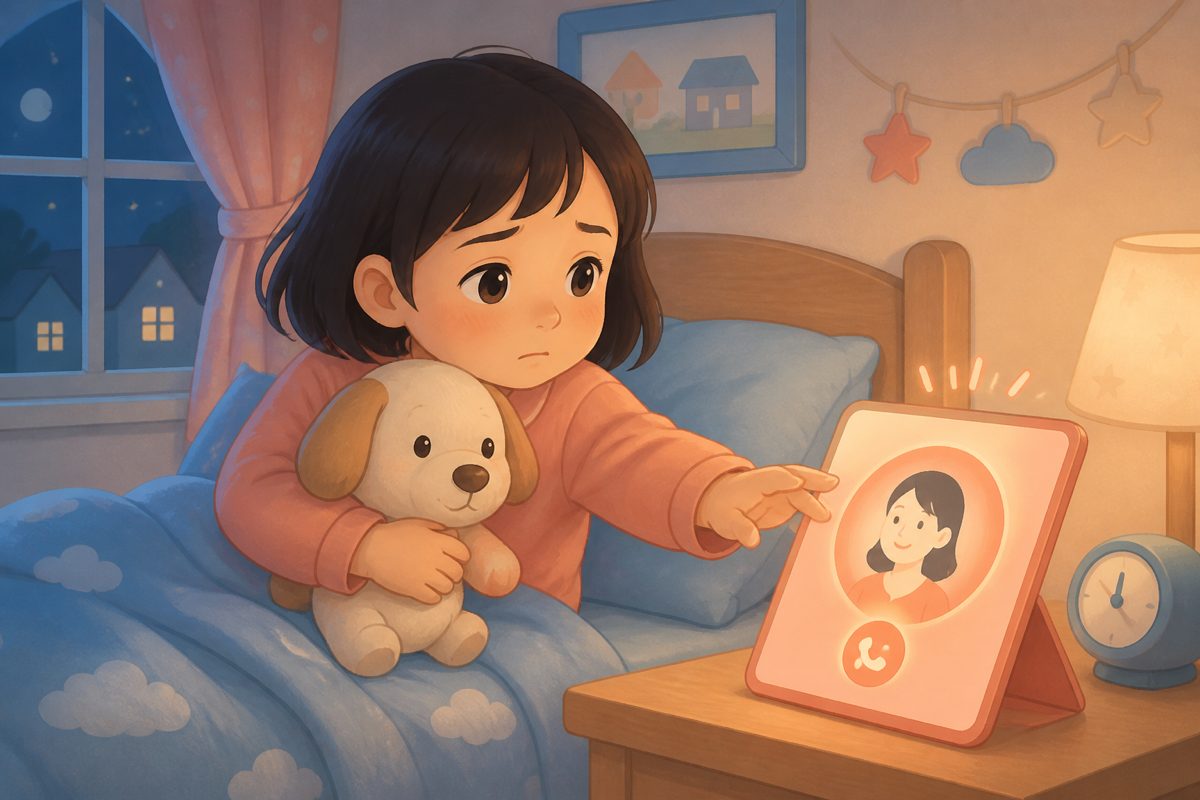
Urgent contact sends an SOS banner to the parent home so you can act fast. It is not a call to emergency services.
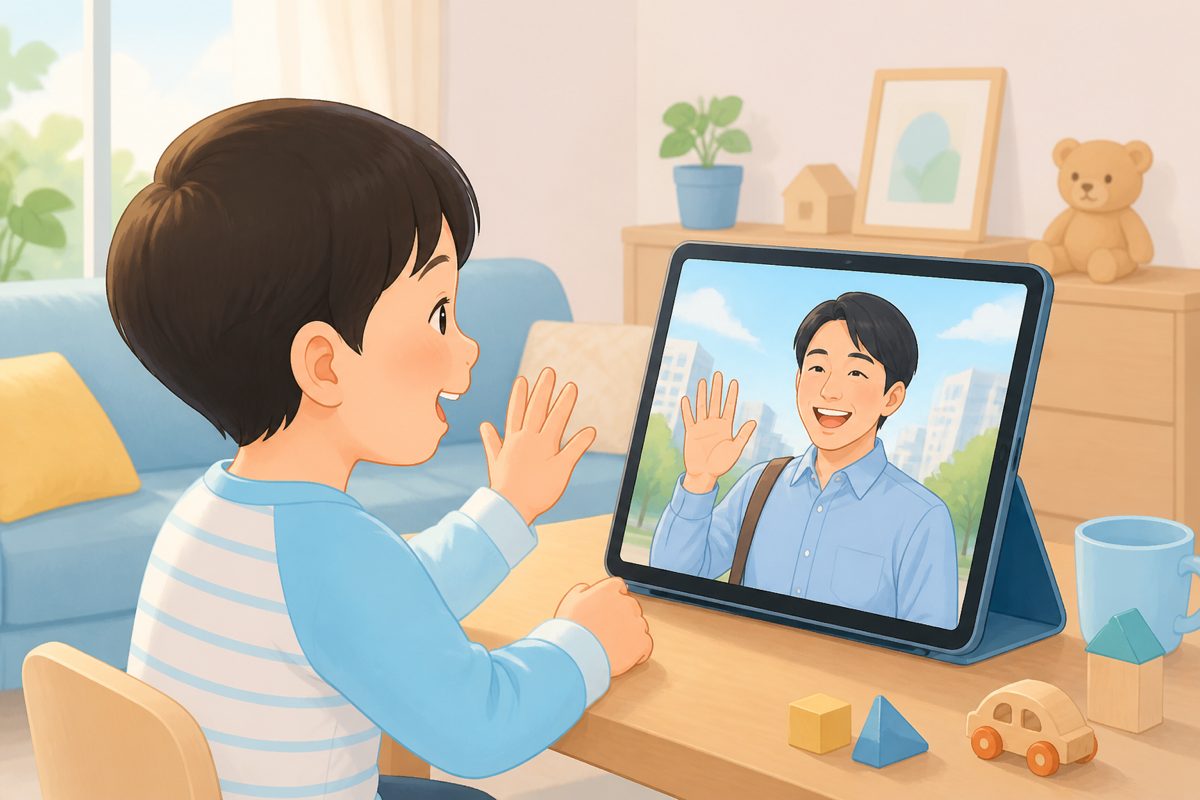
Messages help—and video calls bring voice and expression when that’s what they need.
Clear differences—including what Orusuban is not for.
| Topic | Orusuban | FaceTime / Phone | WhatsApp / iMessage | Kids messengers | GPS family apps |
|---|---|---|---|---|---|
| Main job | Parent–child link at home | General calling | Family & friends chat | Supervised kids chat | Location & movement |
| Child UI | Big buttons & presets | Adult UI / tricky setup | Many features, easy misfires | Varies; often social | Child-initiated contact is often weak |
| Location | Not used | Not used | Not core | Usually not core | Core feature |
| Friends | None (caregiver channel) | None | Possible | Often approved contacts | Family map focus |
| Extra hardware | None (your iPhone / iPad) | None | None | None | Phone or dedicated GPS gear |
| Pricing feel | Parent-only monthly | Free | Free– | Free + upgrades | Often device + plan |
Dedicated always-on home monitors suit families who want special hardware in the house. School-run tracking belongs in GPS apps. Friend chat belongs in kids messengers.
The child UI stays simple. From “Contact Mom,” kids can video call, open messages, or send an urgent alert—same experience on iPhone and iPad.
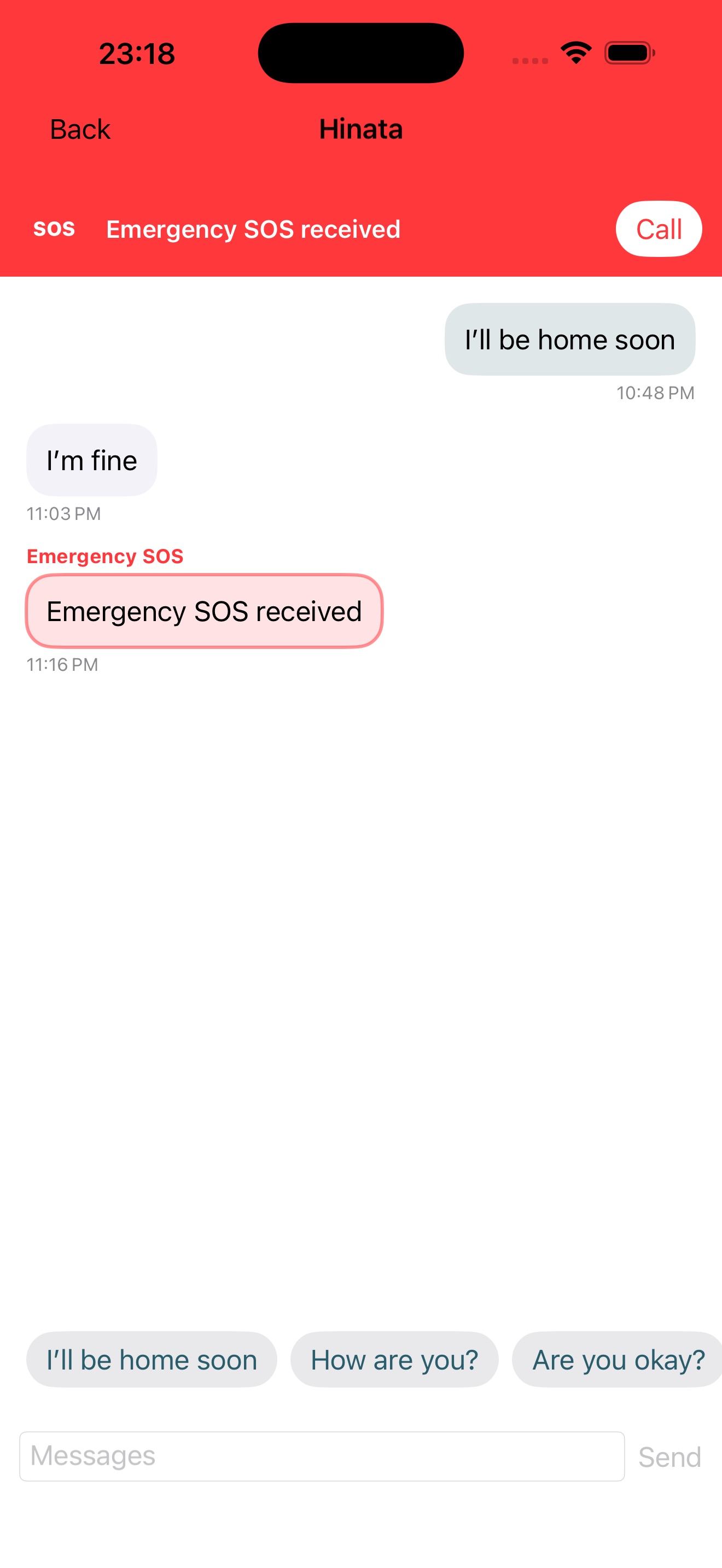
When something can’t wait, kids tap Urgent. A clear alert appears on the parent home, so you can call back or reply by message right away.
What SOS means: a priority alert to the paired caregiver’s device. It does not contact police or emergency services, and it does not replace 911 / 999 / 000. In a real emergency, call local emergency services yourself.
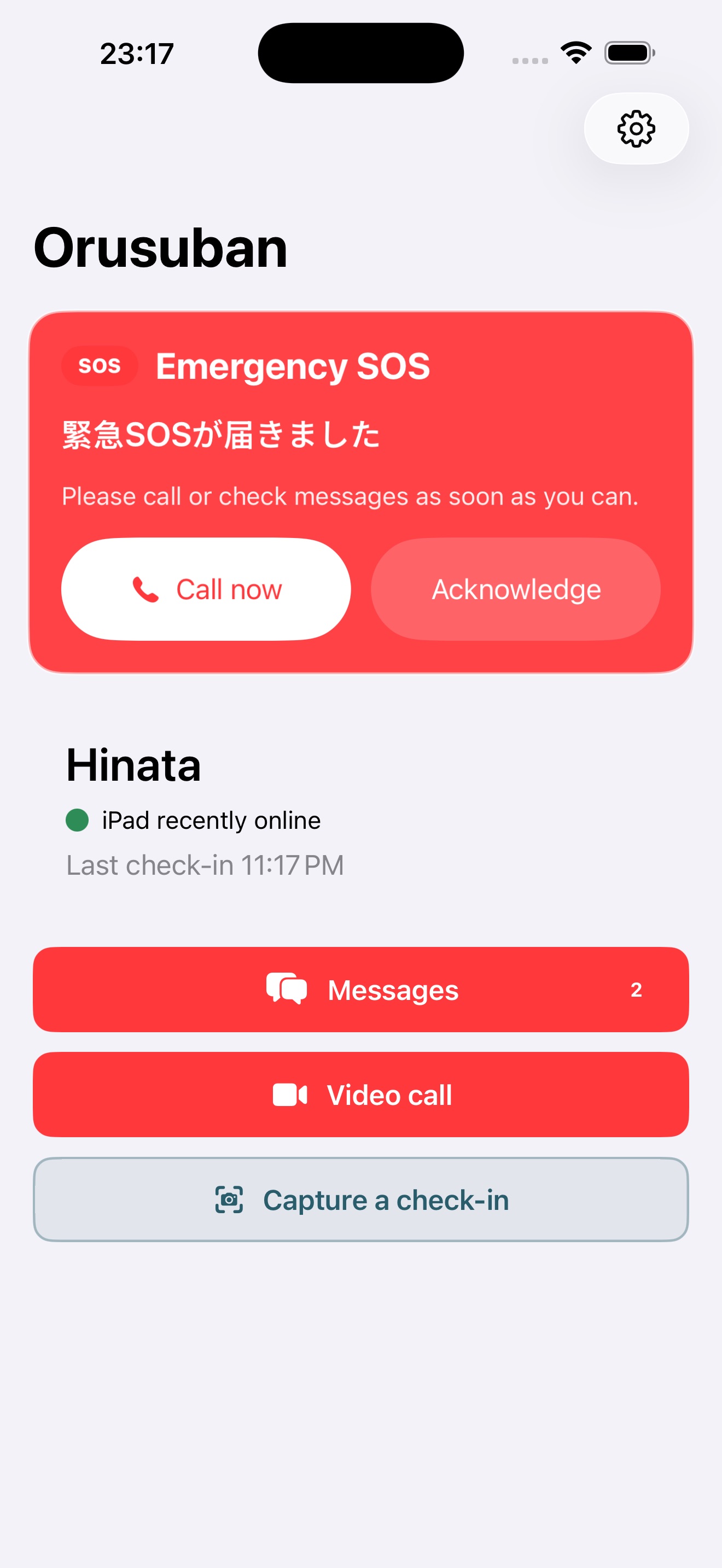
Presets, free text, and video calls keep you close. No location, contacts, or photo library access. Call video and audio are not stored on our servers. Only the parent account subscribes.
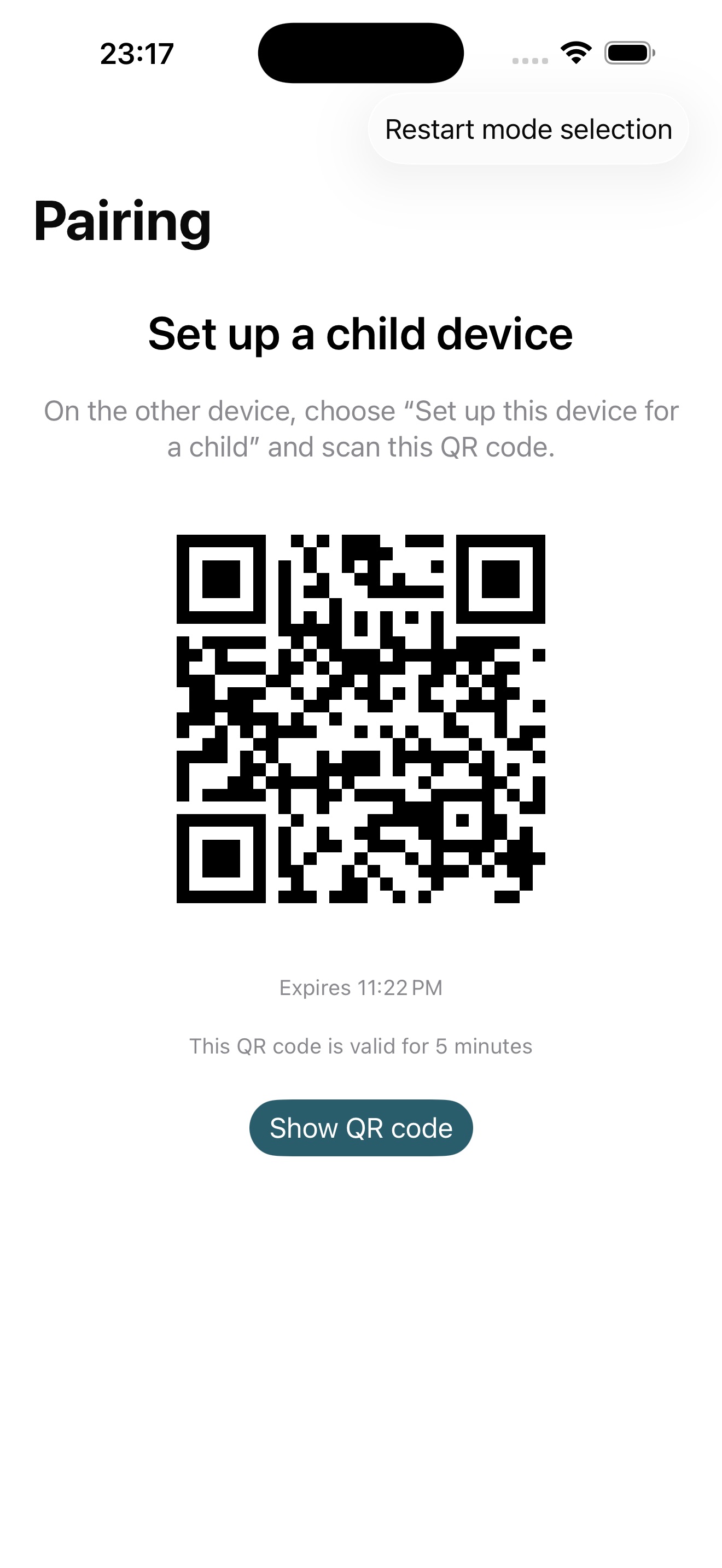
One app, parent mode and child mode. Setup is meant to take a few minutes.
Start with Sign in with Apple and choose how you’re called.
The Standard monthly plan is required before pairing.
Scan on a home iPhone or iPad. Wi‑Fi alone is enough for the child’s device.
Speak to navigate, enlarge text, or calm the motion—Orusuban follows your iPhone and iPad accessibility settings.
Works with screen reading, so kids and caregivers can handle the main actions by voice.
Text follows your device size settings, with buttons that stay easy to tap.
Supports calmer visuals. Important alerts stay clear when you need them.
Only the parent account is billed. No special hardware required.
¥480/ month
Auto-renewable subscription. Cancel anytime. Local App Store pricing takes precedence. Subscription is required before pairing.
Straight answers before you buy.
Orusuban does not use location. It is for what a child needs to say at home—not a live map. For school-run tracking, choose a GPS product.
You can. Setup, adult UI, and accidental calls are often the friction. Orusuban narrows the child experience to big buttons and presets.
Those apps are great for families—and full of extras younger kids may not need yet. Orusuban is a caregiver-only channel.
Those shine when approved friends matter. Orusuban deliberately skips friend chat and focuses on home-alone parent contact.
No. It prioritizes an alert to the paired parent. It does not dispatch police or replace 911 / 999 / 000. In a real emergency, call local emergency services yourself.
No. Only the parent account holds the subscription.
Not today. Parent and child both need iPhone or iPad (iOS / iPadOS).
Messaging and calls need connectivity. A child’s device can run on home Wi‑Fi alone. Offline, the app explains that contact isn’t available.
Manage or cancel anytime in App Store subscriptions. Support pages also outline the steps.
Orusuban
Even alone, you’re connected.